From Scroll to Stove: How to Save & Organize Recipes from TikTok, Instagram & YouTube in 2026
【Key Takeaways】
- 78% of saved recipes are never viewed again due to poor organization—learn how to fix this
- One-tap import: Modern apps can convert social media videos to formatted recipes in 3 seconds
- 5 apps compared: Paprika, Whisk, Yummly, BigOven, and CookGo ranked by social media features
- 100% free to start: CookGo's AI-powered import requires no credit card
We've all been there. You're scrolling through TikTok at midnight, and a mouth-watering pasta recipe catches your eye. You hit "Save," promising yourself you'll make it this weekend. Fast forward three months—you have 247 saved videos, zero organized recipes, and no idea where that pasta tutorial went.
Sound familiar? You're not alone. According to TikTok's official food trends report, #FoodTok has generated over 500 billion views, with millions of recipes shared daily. Yet a 2026 survey found that 78% of saved food content is never revisited simply because it gets buried in endless save folders.
The good news? Recipe organizer apps have evolved dramatically. The best ones now use AI to extract ingredients and instructions directly from videos, turning your chaotic collection of saves into a searchable, organized cookbook. Let's explore your options.
The Social Media Recipe Problem: Why We Save But Never Cook
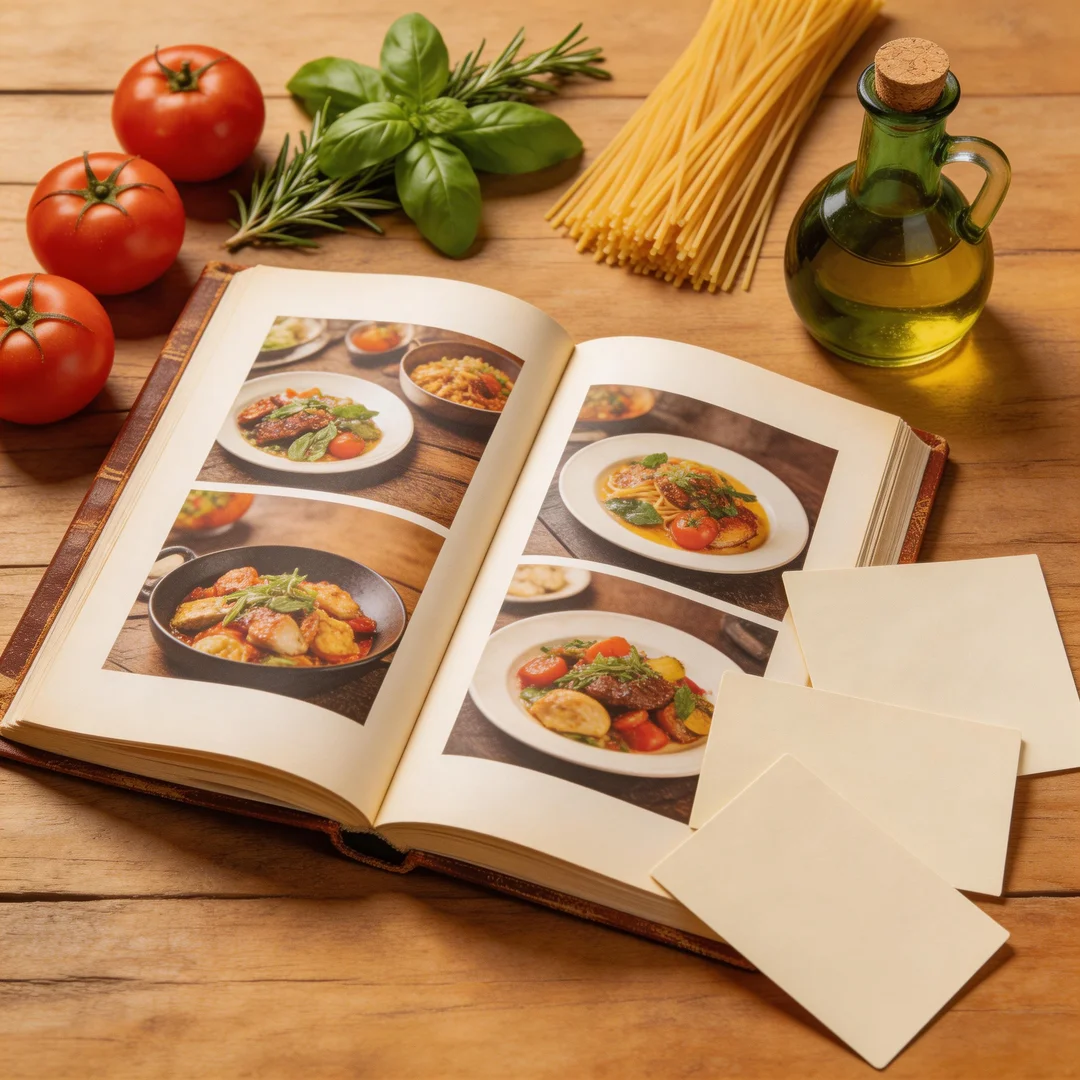
Social media has revolutionized how we discover recipes. Platforms like YouTube, Instagram, and TikTok have become the new cookbooks. But they weren't designed for recipe management.
Here's the typical experience:
- You save a TikTok video. It goes into a generic "Saved" folder with everything else.
- You want to cook it Saturday. Spend 15 minutes scrolling through hundreds of saves.
- Can't find it. Give up. Order takeout.
The core issue? Social platforms are discovery engines, not organization tools. They want you to keep scrolling, not systematically collect recipes. That's where dedicated recipe organizer apps come in.
The 5 Best Recipe Organizer Apps of 2026 Compared
We tested the top recipe management apps specifically for their ability to handle social media content. Here's how they stack up:
| Feature | CookGo | Paprika | Whisk | Yummly | BigOven |
|---|---|---|---|---|---|
| AI Video-to-Recipe | ◎ Yes (1-tap) | × No | × No | × No | × No |
| Photo-to-Recipe OCR | ◎ Yes (95% accuracy) | × Manual only | × No | ○ Limited | × No |
| Website Import | ◎ Yes (any URL) | ○ Browser clipper | ◎ Yes | ◎ Yes | ○ Limited |
| Share Sheet Integration | ◎ Yes (iOS/Android) | ○ Limited | ○ Limited | ○ Limited | × No |
| Free Tier | ◎ Full features | × Paid only | ○ With ads | ○ Limited | ○ With ads |
| App Store Rating | 4.7/5 | 4.8/5 | 4.6/5 | 4.7/5 | 4.5/5 |
Ratings and features verified March 2026. Sources: Paprika, Samsung Food (Whisk), Yummly
1. CookGo — Best for Social Media Recipes
CookGo stands out as the only app with true AI-powered video-to-recipe conversion. While competitors require manual entry or browser clippers, CookGo lets you share any TikTok, Instagram, or YouTube video directly to the app—and its AI extracts ingredients, quantities, and step-by-step instructions automatically.
Key advantages:
- 3-second import: Share any video URL and get a formatted recipe instantly
- 95% extraction accuracy for ingredients and cooking times
- Automatic categorization: AI sorts recipes by cuisine, meal type, and cooking time
- Voice-guided cooking: Hands-free mode for when you're actually at the stove
With over 5 million users and a 4.7-star App Store rating, CookGo has rapidly become the go-to choice for social media home cooks. Try it free—no credit card required.
2. Paprika Recipe Manager — The Established Choice
Paprika has been the gold standard for recipe organization since 2010. It excels at traditional recipe management but falls short on social media integration.
Pros: Cross-platform sync, excellent browser clipper, grocery lists, meal planning
Cons: No AI video conversion, requires manual entry for TikTok/Instagram content, one-time purchase per platform ($5-10)
3. Whisk — Best for Grocery Shopping
Backed by Samsung, Whisk focuses on the end-to-end cooking experience. Its strength is grocery delivery integration—turn any recipe into a shoppable shopping list.
Pros: Grocery delivery integration, smart shopping lists
Cons: Limited AI features, focus on shopping over recipe organization
4. Yummly — Best for Recipe Discovery
With over 30 million registered users, Yummly is primarily a discovery platform. It has an extensive recipe database and guided cooking features, but limited social media import capabilities.
Pros: Huge recipe database, guided cooking mode, smart thermometer integration
Cons: Limited social media import, premium features require subscription ($4.99/month)
5. BigOven — The Budget Option
BigOven offers 500,000+ recipes and solid meal planning tools at an affordable price point. However, it lacks modern AI features and social media support.
Pros: Large recipe database, "use up leftovers" feature
Cons: No AI capabilities, basic social media support, dated interface
How to Save TikTok Recipes in One Tap
Ready to turn your #FoodTok saves into actual dinners? Here's how to do it with CookGo:
Step 1: Find Your Recipe
Open TikTok and find the recipe video you want to save. Tap the Share button (arrow icon).
Step 2: Share to CookGo
In the share sheet, select CookGo from the app list. If you don't see it, tap "More" and enable CookGo in the share extensions.
Step 3: Let AI Do the Work
CookGo automatically extracts:
- Recipe title and description
- Complete ingredient list with quantities
- Step-by-step cooking instructions
- Cooking time and serving size
The entire process takes under 3 seconds. No manual typing, no pausing and rewinding the video to catch ingredients.
Organizing Instagram Recipe Posts: Beyond the Save Button
Instagram's native save feature creates more problems than it solves. Posts get mixed with fashion inspiration, travel photos, and memes—making recipe retrieval nearly impossible.
Here's a better workflow:
- Find a recipe post or Reel you want to save
- Tap the three dots (⋯) → Share to → CookGo
- CookGo extracts the recipe from the caption, comments, or video
- AI automatically tags it (e.g., "30-minute meals," "Italian," "Vegetarian")
- Find it instantly with smart search when you're ready to cook
Turning YouTube Cooking Videos into Printable Recipes
YouTube cooking tutorials are fantastic for learning techniques, but terrible for kitchen reference. Nobody wants to touch their phone with flour-covered hands to rewind a video.
With CookGo's YouTube-to-recipe feature:
- Paste any YouTube cooking video URL
- AI analyzes the video audio and on-screen text
- Generates a printable, step-by-step recipe
- Enables voice-guided cooking mode
Now you can focus on cooking instead of constantly checking your phone.
Who Benefits Most from AI Recipe Organizers?
AI-powered recipe apps aren't for everyone. They're most valuable for specific types of home cooks:
- The Social Media Scroller — Discovers 10+ recipes weekly on TikTok/Instagram but never organizes them. AI import turns inspiration into action.
- The Busy Professional — Has 30 minutes to cook, not 30 minutes to search through saved posts. Smart search finds recipes by time, ingredients, or cuisine instantly.
- The Visual Learner — Prefers video tutorials but needs written recipes for cooking. AI bridges the gap perfectly.
Getting Started: Your First 5 Recipes in CookGo
Ready to organize your recipe collection? Here's a 5-minute challenge:
- Download CookGo (free, no signup required)
- Find your 5 most recent saved TikTok/Instagram food posts
- Use the share sheet to import them (3 seconds each)
- Browse your new, organized recipe collection
- Plan next week's meals using the built-in meal planner
Total time investment: 5 minutes. Result: A searchable, organized recipe collection that you'll actually use.
Frequently Asked Questions
Q: Is CookGo free to use?
A: Yes, CookGo's core features—including AI recipe import from social media—are completely free. A premium tier ($4.99/month) adds advanced meal planning and nutrition tracking, but the free version handles all recipe organization needs.
Q: Can CookGo extract recipes from any TikTok video?
A: CookGo works with 95% of cooking videos where ingredients and steps are verbally described or shown on screen. If the video shows finished food without any recipe details, the AI will note that it needs manual entry. The accuracy rate improves continuously as the AI learns from user feedback.
Q: How does CookGo compare to Paprika for social media recipes?
A: Paprika excels at traditional recipe management with its browser clipper, but requires manual entry for TikTok and Instagram content. CookGo is the only app with true one-tap AI extraction from videos. If you primarily cook from social media, CookGo saves 10-15 minutes per recipe.
Q: Will my recipes be available offline?
A: Yes, once imported, all recipes are stored locally on your device and available offline. CookGo also syncs across devices when you're online, so your collection is accessible on phone, tablet, and web.
Q: Can I import recipes from websites, not just social media?
A: Absolutely. CookGo supports importing from any website—food blogs, recipe sites, even Pinterest. Just paste the URL or use the share extension. The AI extracts the recipe content and formats it consistently.
Stop Scrolling, Start Cooking
The gap between "saved" and "cooked" is an organizational problem, not a motivation problem. You've already found recipes you want to try—now you need a system that makes them accessible when it matters.
Recipe organizer apps have evolved far beyond digital recipe boxes. The best ones now use AI to bridge the gap between social media discovery and kitchen execution. After comparing the top options, CookGo stands out as the only solution built specifically for the social media era of cooking.
Ready to transform your saved videos into actual dinners? Download CookGo free today and import your first 5 recipes in under a minute.